autoLLMs review: the Shopify app for creating an llms.txt file
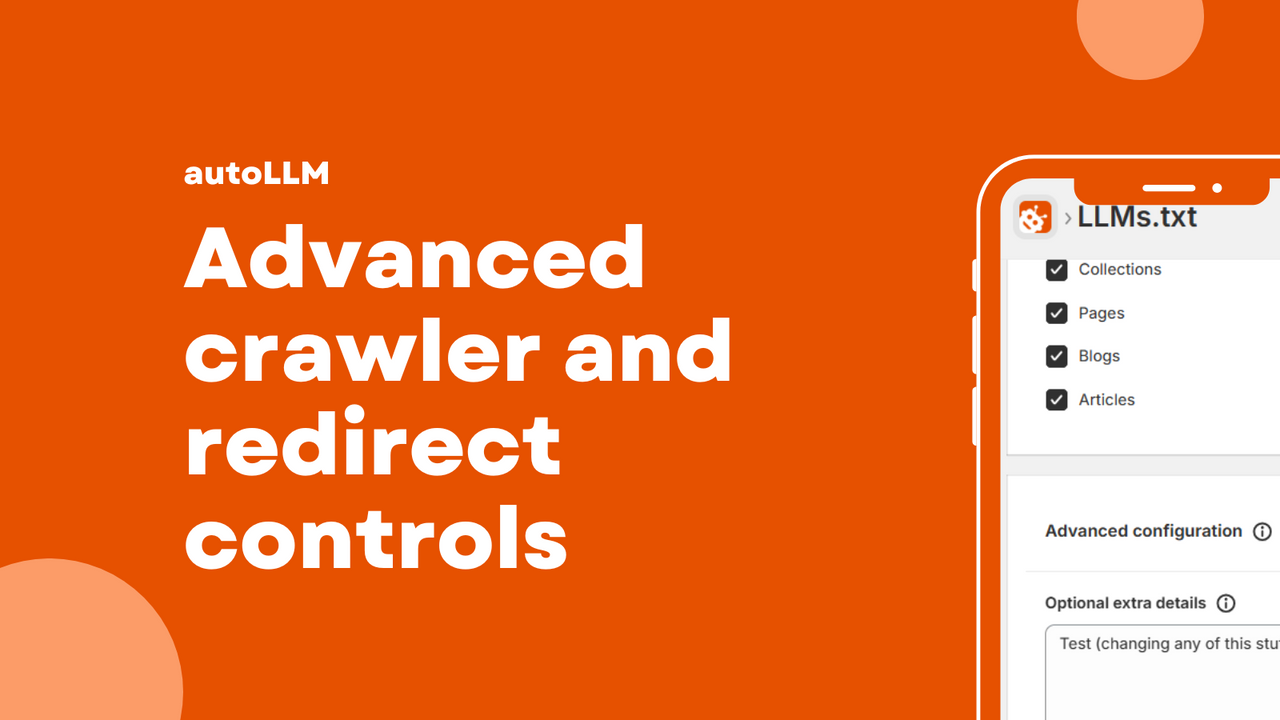
If you are a Shopify store owner looking to enhance your store’s visibility in the age of AI, you might have stumbled upon the need for creating an llms.txt file. This article is tailored for you, as it dives into the functionalities and benefits of the autoLLMs app, which simplifies this process. With AI tools becoming increasingly essential for indexing and discovering online content, having a well-maintained llms.txt file can make a world of difference for your store. So, let’s explore how autoLLMs can help you stay ahead in the game.
- Understand what an llms.txt file is and why it matters.
- Learn how to set up and maintain your llms.txt file automatically.
- Avoid common pitfalls when managing AI indexing.
- Check off a quick setup checklist to ensure everything is in place.
What creating an llms.txt file means for a Shopify store
In simple terms, an llms.txt file is a text file that helps AI tools, like search engines and crawlers, easily discover and index your store’s content. Think of it as a roadmap for AI, guiding them through your site’s important pages and resources. When properly configured, it allows these tools to navigate your store without getting lost in a maze of links and redirects.
For Shopify stores, having an llms.txt file means:
- Improved visibility in AI-driven search results.
- Better indexing of your content, which can lead to increased traffic.
- Enhanced control over what AI tools can access, helping you maintain your SEO integrity.
What to look for in an app for creating an llms.txt file
- Automatic daily llms.txt generation and updates.
- Options to include or exclude specific content types.
- Easy management of redirects as your store evolves.
- One-click blocking or allowing of specific AI crawlers.
- Clear and detailed reporting on the status of your llms.txt file.
How to set it up without breaking existing SEO
Setting up your llms.txt file using autoLLMs is straightforward, but there are a few best practices to keep in mind to avoid any SEO mishaps:
- Start by installing the autoLLMs app from the Shopify App Store.
- Configure your content preferences carefully. Decide which pages and products should be included in the llms.txt file.
- Regularly review your settings to ensure they align with any changes in your store.
- Monitor your site’s performance and indexing status after the llms.txt file is implemented.
By following these steps, you can set up your llms.txt file without disrupting your existing SEO efforts.
Common mistakes
Even with the best intentions, mistakes can happen. Here are some common pitfalls to avoid when managing your llms.txt file:
- Blocking too much: Be cautious about what you restrict. Blocking essential pages could hinder your store’s visibility.
- Confusing signals: Ensure the content you include in your llms.txt file is clear and relevant to avoid mixed signals for AI tools.
- Stale outputs: Regular updates are crucial. An outdated llms.txt file could lead to missed opportunities in indexing.
How to keep it maintained automatically
One of the standout features of autoLLMs is its ability to maintain the llms.txt file automatically. Here’s how it works:
- The app generates daily updates, ensuring that any new content or changes in your store are reflected in the llms.txt file.
- Redirects are handled seamlessly, so you don’t have to worry about broken links.
- You can easily adjust settings to include or exclude content types as needed.
This automatic maintenance allows you to focus on growing your business while ensuring your llms.txt file is always up to date.
Setup checklist
- Install the autoLLMs app from the Shopify App Store.
- Configure your llms.txt settings to include/exclude content types.
- Review and adjust your settings regularly, especially after significant changes to your store.
- Monitor your store’s performance and indexing status periodically.
- Check the auto-generated llms.txt file to ensure it meets your expectations.
FAQ
What is an llms.txt file?
An llms.txt file is a text file that helps AI tools discover and index the important content on your website more efficiently.
Why do I need an llms.txt file for my Shopify store?
Having an llms.txt file helps improve your store’s visibility in AI-driven search results and ensures better content indexing.
Can I manually edit the llms.txt file?
While autoLLMs automates the process, you can choose to customize your settings within the app to better fit your needs.
What happens if I block important pages in my llms.txt file?
Blocking critical pages can hinder your store’s visibility and prevent AI tools from indexing essential content, potentially affecting your traffic negatively.
How often does autoLLMs update my llms.txt file?
The app automatically generates and updates your llms.txt file daily, ensuring that it reflects the latest changes in your store.
Is autoLLMs user-friendly for beginners?
Yes, autoLLMs is designed to be user-friendly, making it accessible for both beginners and experienced Shopify users.
Can I try autoLLMs for free?
The app may offer a trial period, but you’ll need to check the Shopify App Store for the most current information regarding pricing and trials.
In conclusion, if you are serious about optimizing your Shopify store for AI indexing and discovery, autoLLMs is a tool worth considering. With its automatic updates and user-friendly setup, you can keep your store future-ready without the headache of constant manual maintenance. Embrace the power of AI and let autoLLMs take care of your llms.txt file!
Want to try it? Take a look at autoLLMs on the Shopify App Store.
Labels: ohermans1
posted by Jao @ February 19, 2026
0 Comments


0 Comments:
Post a Comment
Subscribe to Post Comments [Atom]
<< Home