autoLLMs review: the Shopify app for helping LLMs understand product pages
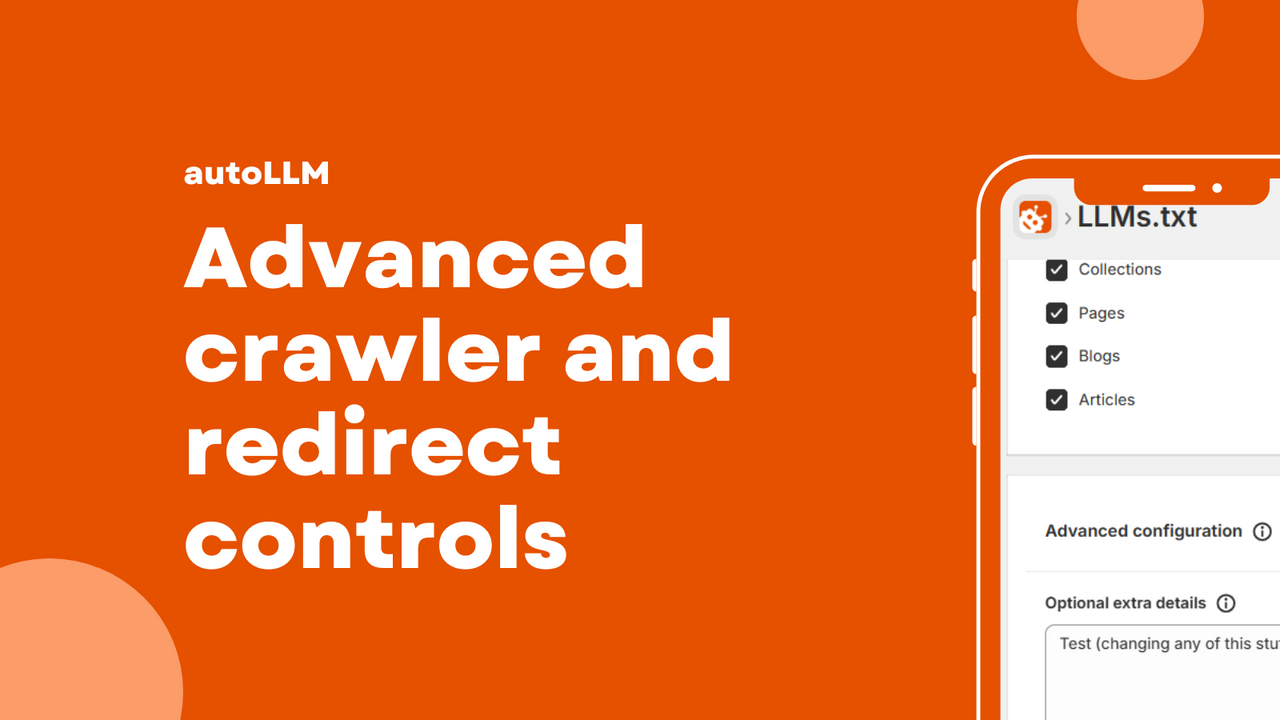
If you’re diving into the world of ecommerce, you may have stumbled upon the term “helping LLMs understand product pages.” For Shopify store owners, the implications of this are significant, especially as AI continues to evolve. The autoLLMs app claims to make this process smoother by automatically creating and maintaining an LLMs.txt file, allowing AI tools to better index and discover your store’s content. In this review, we will explore how autoLLMs functions, its key features, and what to consider when integrating it into your Shopify store.
- Understand what helping LLMs means for your store.
- Learn how to set up autoLLMs without disrupting your SEO.
- Discover common pitfalls and how to avoid them.
- Get a quick checklist to ensure everything is working smoothly.
What helping LLMs understand product pages means for a Shopify store
At its core, helping LLMs (Large Language Models) understand product pages means ensuring that AI tools can effectively read and interpret the content you have on your Shopify store. These AI tools are becoming increasingly important for SEO and discovery as they help potential customers find your products. By providing a clear structure through an LLMs.txt file, you’re basically giving these tools a roadmap to navigate your store.
Imagine you’re trying to find a book in a massive library without a catalog. Frustrating, right? That’s what it feels like for AI tools without a well-structured LLMs.txt. The autoLLMs app steps in here, simplifying this process and helping your store stay relevant in an AI-driven marketplace.
What to look for in an app for helping LLMs understand product pages
- Automatic daily LLMs.txt generation and updates.
- Ease of use with options for content type inclusion or exclusion.
- Management of redirects as your store evolves.
- Ability to block or allow specific AI crawlers with one click.
- Integration with existing SEO practices without causing conflicts.
How to set it up without breaking existing SEO
Setting up autoLLMs is designed to be straightforward, but there are a few things to keep in mind to ensure you don’t disrupt your existing SEO efforts. Here’s a simple breakdown:
- Install the app: First, download autoLLMs from the Shopify App Store.
- Configure settings: Decide which content types you want to include or exclude. This can help tailor the AI’s focus.
- Test redirects: Make sure that any redirects are functioning correctly to avoid broken links.
- Monitor performance: Keep an eye on your site’s SEO performance post-installation to catch any unexpected changes.
By following these steps, you can integrate autoLLMs while keeping your SEO intact.
Common mistakes
Even with a straightforward setup, there are pitfalls that can lead to confusion or inefficiencies:
- Blocking too much: Be cautious about which crawlers you block. If you restrict too many, you might limit your visibility unnecessarily.
- Confusing signals: Ensure that your LLMs.txt file is clear and not sending mixed messages to AI tools.
- Stale outputs: Regularly check that your LLMs.txt is updating as expected. Stale information can lead to missed opportunities.
How to keep it maintained automatically
The beauty of autoLLMs lies in its automation. Once set up, the app takes care of daily updates to your LLMs.txt file, adapting to any changes in your product offerings or site structure. This means less manual work for you and a more streamlined experience for AI tools.
However, it’s wise to periodically review the settings and performance. This will help ensure that the app is aligned with your evolving business needs and SEO strategies.
Quick checklist to validate it’s working
- Check the LLMs.txt file to ensure it’s being updated daily.
- Verify that the content types you want included are present.
- Test redirects to confirm they are functioning as intended.
- Monitor your store’s SEO performance for any changes.
FAQ
What is an LLMs.txt file?
An LLMs.txt file is a structured text file that helps AI tools understand and index content on your website more effectively.
How often does autoLLMs update the LLMs.txt file?
autoLLMs updates the LLMs.txt file automatically on a daily basis, ensuring that your content remains current and accessible to AI tools.
Can I customize which content types are included in the LLMs.txt?
Yes, autoLLMs allows you to choose which content types to include or exclude, giving you control over what AI tools can access.
Is there a risk of SEO disruption when using autoLLMs?
While autoLLMs is designed to integrate smoothly with existing SEO practices, it is always a good idea to monitor your SEO performance after installation to catch any unintended issues.
Can I block specific AI crawlers with autoLLMs?
Yes, autoLLMs offers a one-click option to block or allow specific AI crawlers, providing flexibility in how your content is indexed.
What should I do if my LLMs.txt isn’t updating?
If your LLMs.txt isn’t updating, check the app settings and ensure that everything is configured correctly. If issues persist, consider reaching out to customer support for assistance.
How does autoLLMs fit into my overall SEO strategy?
autoLLMs helps by ensuring that AI tools can easily access and index your store’s content, aligning with evolving SEO practices and improving your store’s visibility in an AI-driven landscape.
In summary, if you’re looking to make your Shopify store more discoverable by AI tools, autoLLMs offers a practical solution. With automatic updates, easy management, and a focus on SEO, it can be a valuable addition to your ecommerce toolkit. Keep your store future-ready and let autoLLMs do the heavy lifting for you!
Want to try it? Take a look at autoLLMs on the Shopify App Store.
Labels: ohermans1
posted by Jao @ August 26, 2026
0 Comments


0 Comments:
Post a Comment
Subscribe to Post Comments [Atom]
<< Home