Why product schema breaks on Shopify (and the simplest fix): autoSchema

If you are managing a Shopify store and are puzzled by product schema, you are not alone. Many store owners struggle to implement product schema correctly, which can lead to visibility issues in search engines. In this article, we will explore why product schema breaks on Shopify and how autoSchema offers a simple fix to help you maintain accurate and error-free structured data.
- Understand what product schema is and why it matters.
- Learn about common mistakes Shopify stores make.
- Discover what to look for in a product schema app.
- Find a simple maintenance approach to keep your schema intact.
What product schema actually is
In plain English, product schema is a type of structured data that helps search engines understand the content of your web pages. It provides additional context about your products, such as price, availability, and reviews. When implemented correctly, product schema can enhance your search visibility by qualifying your store for rich results, such as featured snippets and product carousels.
Why Shopify stores get product schema wrong
There are several reasons why Shopify stores often struggle with product schema:
- Technical complexities: Many store owners lack the technical skills required to implement and maintain structured data.
- Frequent changes: As your store evolves, product details like pricing and availability can change, which may not be reflected in your schema.
- Duplicate or invalid schema: Adding multiple schema types or incorrect fields can lead to warnings in Google Search Console.
- Theme conflicts: Custom themes may not support structured data, leading to broken implementations.
What to look for in an app for product schema
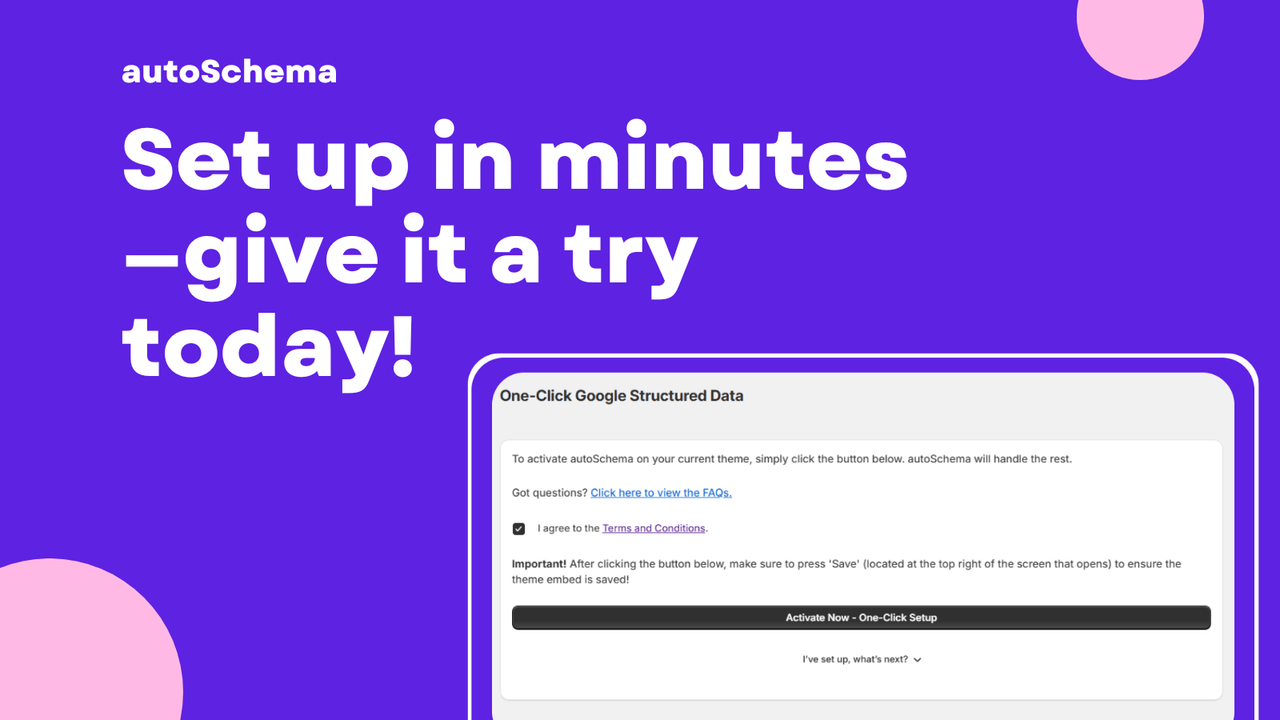
- One-click setup to easily activate Google structured data.
- Automatic updates to keep your structured data accurate as your store changes.
- Protection against duplicate or invalid schema that could harm SEO.
- Seamless integration with existing themes and store setups.
- No technical skills required, making it user-friendly for everyone.
- Reduction of Search Console warnings caused by broken or outdated schema.
How to validate results
Once you have implemented product schema, it is crucial to validate that it is working correctly. Here are a couple of tools to help you:
- Google Search Console: Check for any warnings or errors in your structured data report.
- Rich Results Test: Use this tool to see how your pages will appear in search results and to validate your structured data.
Common pitfalls
Many store owners encounter specific pitfalls when implementing product schema:
- Duplicate schema: Adding the same schema multiple times can confuse search engines, leading to penalties.
- Missing fields: Not including all required fields can result in warnings or incomplete rich results.
- Theme conflicts: Custom themes may not support certain structured data, leading to implementation issues.
A simple ongoing maintenance approach
Maintaining your product schema does not have to be a daunting task. Here are some tips for keeping your schema in top shape:
- Regularly review your product listings for changes that need to be reflected in your schema.
- Utilize an app like autoSchema to automate updates and prevent errors.
- Set reminders to check Google Search Console for any warnings or errors.
Setup checklist
- Install the schema app and follow the one-click setup process.
- Verify that all product details are accurate in your Shopify admin.
- Use the Rich Results Test to validate the schema implementation.
- Monitor Google Search Console for ongoing issues.
FAQ
What is product schema?
Product schema is structured data that helps search engines understand the details of your products, such as pricing and availability.
Why is product schema important?
It enhances your website’s visibility in search results and can qualify your products for rich results.
How can I check if my product schema is working?
You can use Google Search Console and the Rich Results Test tool to validate your structured data.
What are common mistakes with product schema?
Common mistakes include duplicate schema, missing required fields, and conflicts with custom themes.
How can autoSchema help?
autoSchema automates the addition and maintenance of product schema, ensuring it is always accurate and up to date.
Do I need technical skills to use autoSchema?
No, autoSchema is designed for both beginners and advanced users, requiring no technical skills.
How often should I check my product schema?
It is advisable to check your product schema regularly, especially after significant changes to your store.
Want to try it? Take a look at autoSchema on the Shopify App Store.
Labels: ohermans1
posted by Jao @ March 01, 2026
0 Comments

